Your invoices
See what you owe and pay online when the company offers it.
Invoices are your bills from the company.
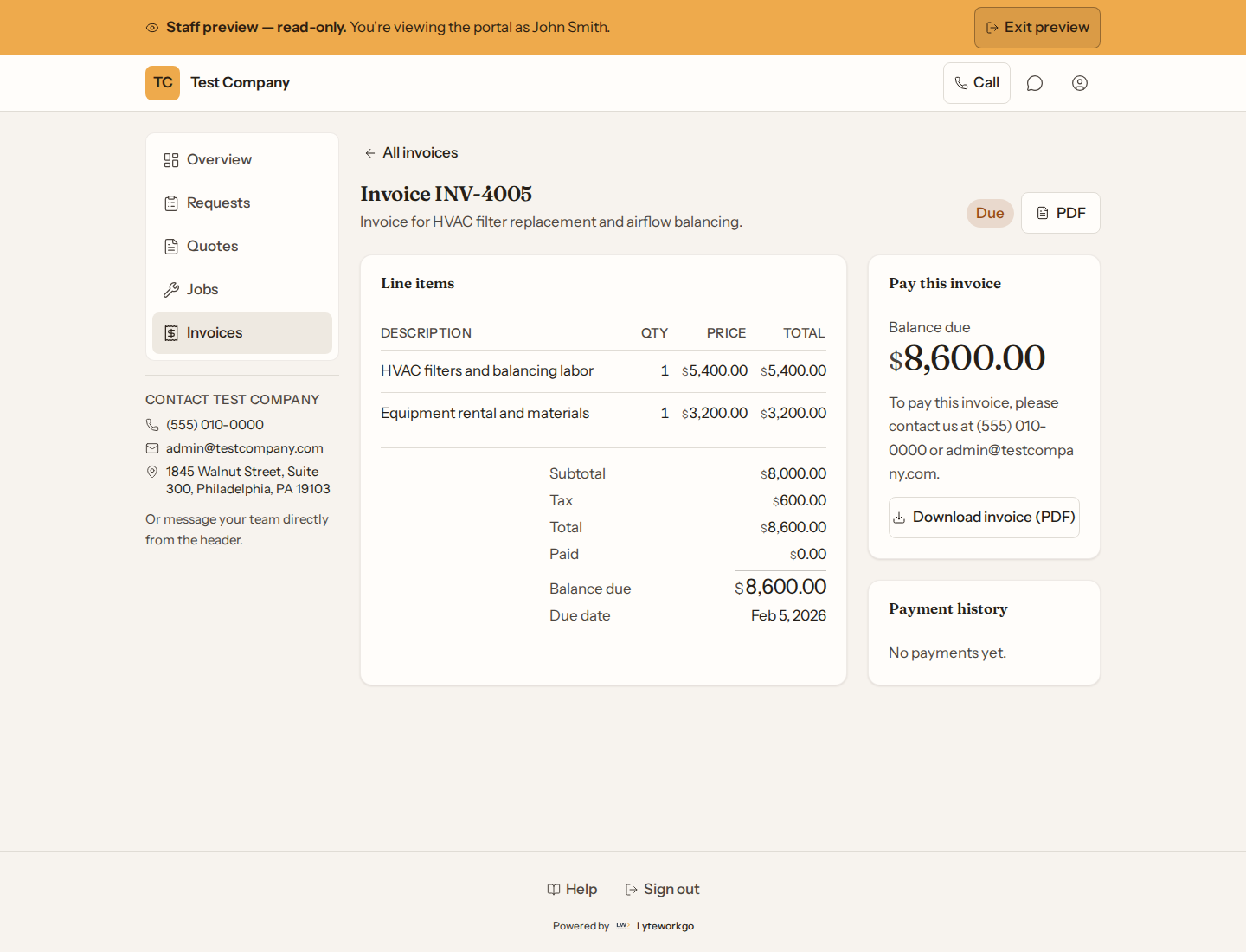
The list
Browse invoice number, status, due date, total, and remaining balance. Open one for line items and payment history.
Paying
- If Pay online is shown, it opens the company’s secure payment page. You can pay by card, and by bank transfer when the company has that turned on. Afterward you can still open the invoice and any receipts here.
- If an invoice still has a balance but pay online is not shown, contact the company to pay.
You can download a PDF of any invoice. When the invoice can be paid online, the PDF has a Pay this invoice online link to the same payment page.
An invoice marked Paid, Cancelled or Refunded has nothing left to pay. Its balance is $0.00 and there is no way to pay it. A refunded invoice still lists the payment and its receipt.
Receipts for recorded payments can be opened or downloaded when the company has them.