Your requests
See service requests the company has for you, and submit a new one when they allow it.
Requests are “I need service” tickets — a leak, a quote ask, a follow-up visit.
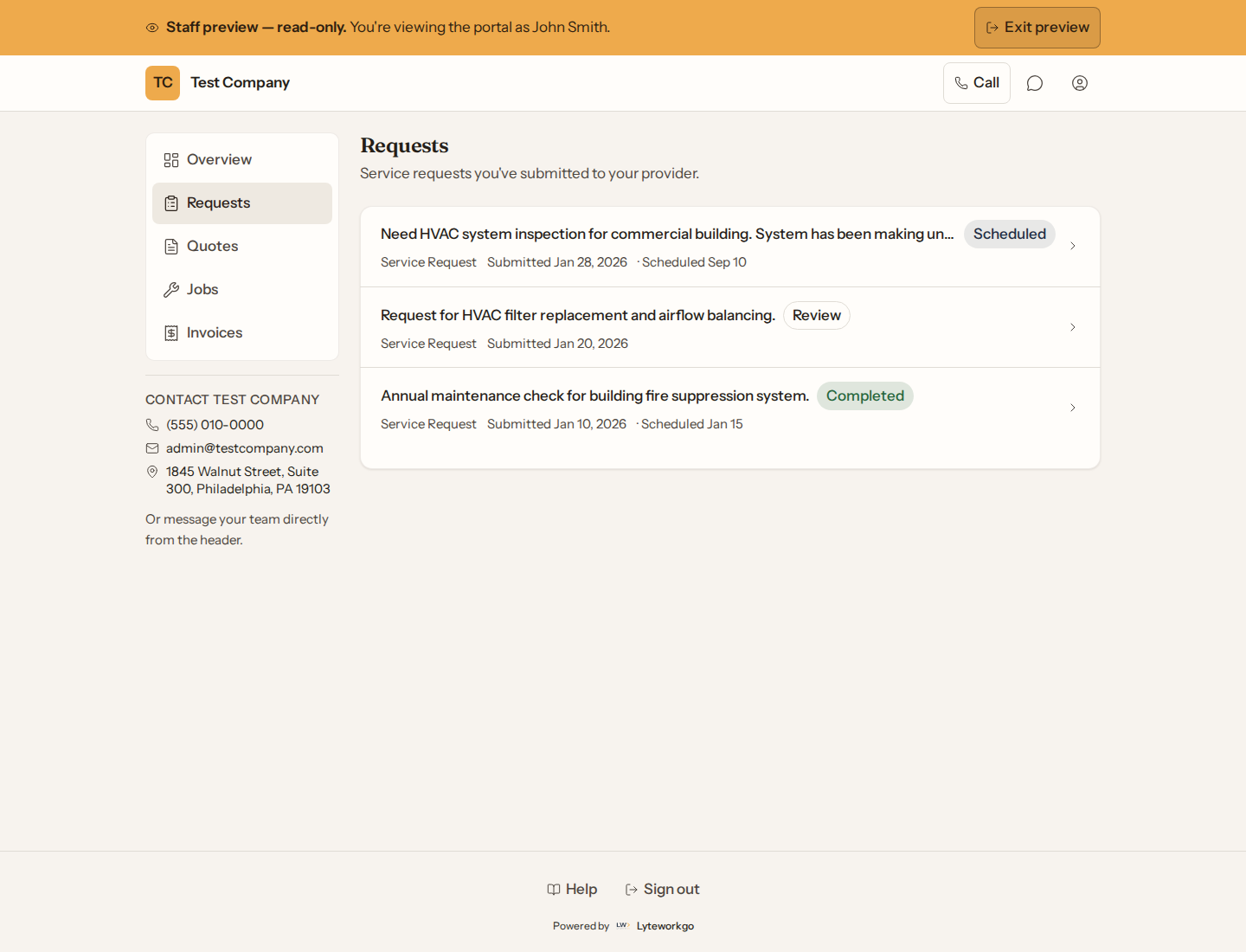
The list
Browse title, status, type, and dates. Open a row for the full story.
New request
If the company allows it, New request asks for a short title, what kind of service, urgency, how you prefer to be reached, and a description. Urgency is one of Low (a question or non-urgent concern), Medium (you’d like to get on the schedule), High (needs attention soon) or Urgent (needs help right away); the company sees the same word. If the company has more than one address on file for you, Where is the work? lets you pick one. Somewhere else? Say where in the description. After you submit, it goes to the office for review — you cannot edit it later in the portal.
If you do not see New request, they have turned submissions off. Call or message them instead.
A request’s page
You can read the description, status, address, notes, download files they shared, and see a timeline. This screen is view-only.