Your profile
Your name, email, and whether the company may email or text you.
Profile is your contact record with this company.
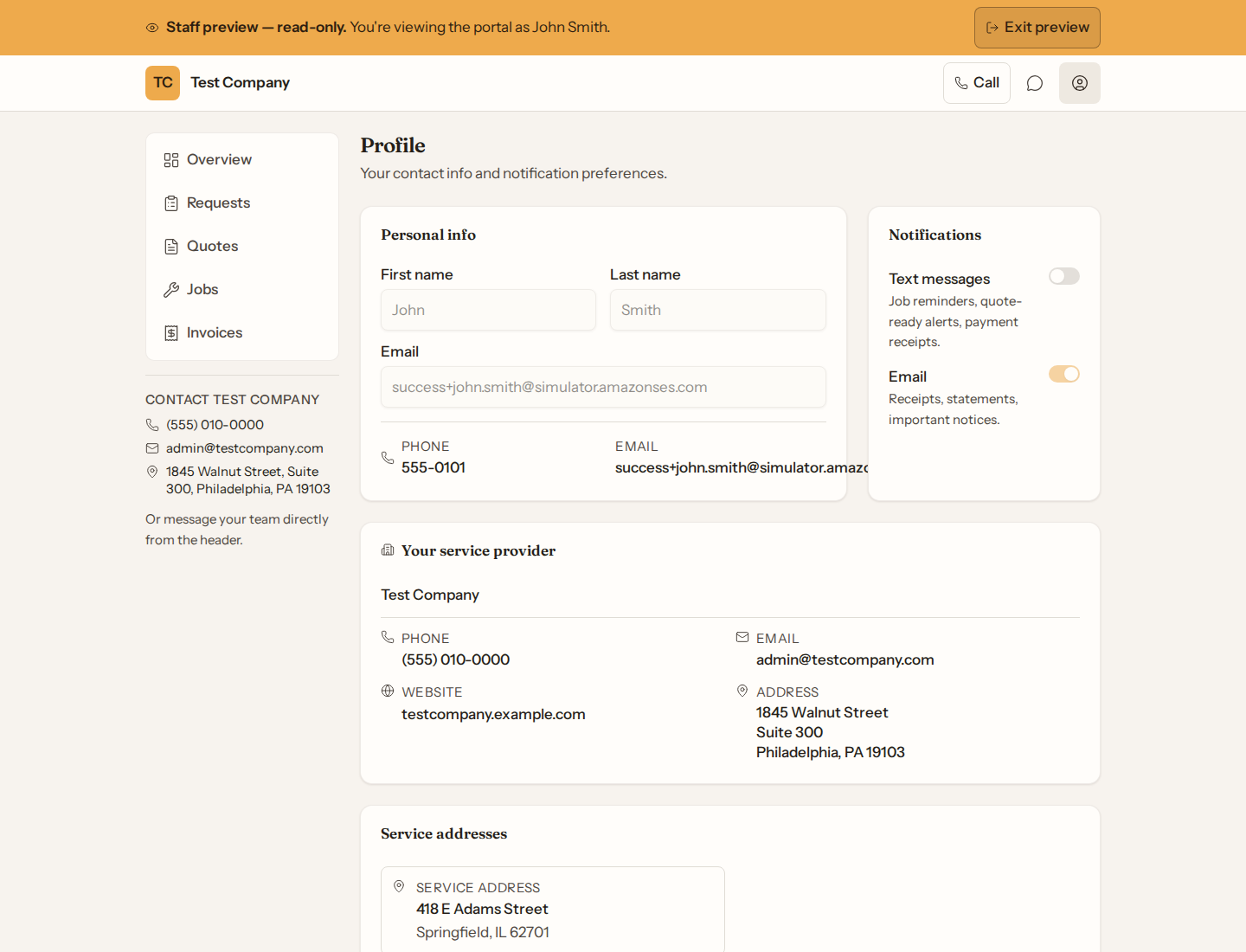
If the company allows profile edits, you can change first name, last name, and email, and turn email notifications on or off.
A new email does not take effect straight away. We send a link to the new address, and your email stays as it is until you open it and press Confirm this email address. The link works once and expires after a day. If it never arrives, check spam or change the email again for a fresh link. Cancel this change under the email field drops a change you started by mistake.
To stop reminder emails like check-ups and service visits, use Unsubscribe at the bottom of one. That stops those reminders only: you still get emails about your quotes, jobs and invoices.
Text notifications can be turned on only after a short consent confirmation, or turned off anytime.
Your phone number is not edited here (the company manages that). If you get an email saying there was a new sign-in to your portal and it was not you, call the company: they can end that access by correcting the phone number on your account. Service addresses and the company’s contact card are listed for reference. Besides your mailing address, the list shows the other places the company has done work for you. You can pick one of them when you send a new request.
If everything looks locked, they have turned profile changes off — call them to update your info.