Your jobs
See when someone is coming and how the visit is going.
Jobs are the scheduled (or completed) visits.
The list
Browse job number, title, status, schedule, and who is assigned. Open a job for details.
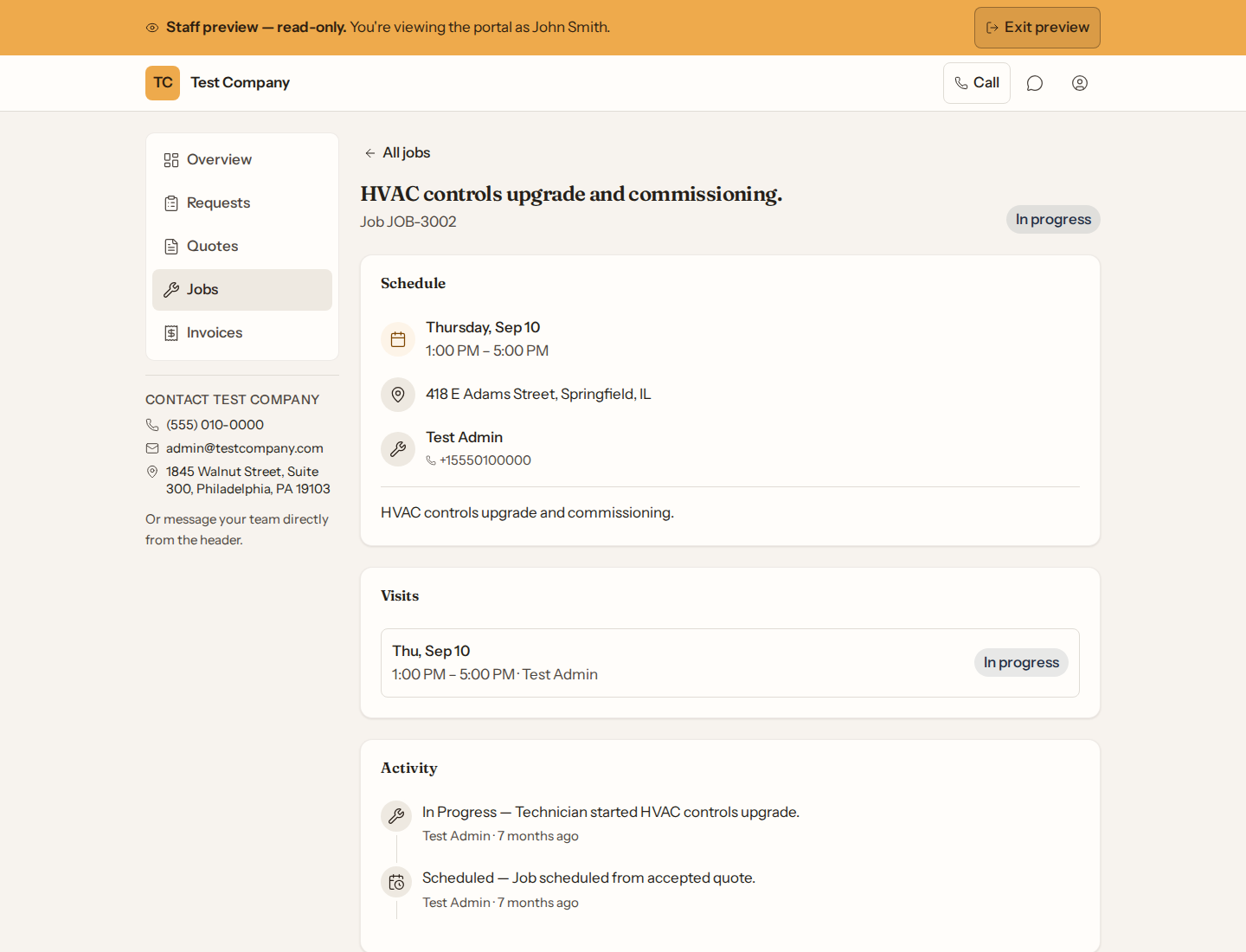
A job’s page
You can see the appointment time, service address, assigned technician (with a number to call the office), a short description, visit history, and a timeline. You cannot edit the job from the portal.
Changes to your job
If the work changes once it has started — extra work was found, or something is being left out — the business sends you a change order. It appears under Changes to this job with what is changing, why, any photos of what was found, and how it changes the price. Tap a photo to see it full size; the same photos are on the page where you sign and on your signed copy. While it is waiting for you, Review and sign opens the page where you sign or decline it; you’ll confirm with a one-time code. If the link has expired, ask the business for a new one. Once you have answered, the change shows as Approved or Declined.